
Tool
Tray.ai
Tray.ai review: compare 2026 iPaaS plans, task metering, AI agents, MCP governance, approvals, privacy, hosting, logs, and recovery limits.
Verdict
Choose Tray.ai when an integration team needs one managed platform for complex cross-system workflows, reusable connectors, API management, regional controls, and governed AI or MCP tools. Its strongest fit is a department or enterprise integration program, where workspace separation, shared authentication, observability, and custom connectors justify procurement and platform ownership. Skip it for a few simple automations when transparent self-serve pricing matters, or when the platform itself must run on your infrastructure. Tray publishes no plan price or task allowance, and a long workflow can consume many tasks in one run.
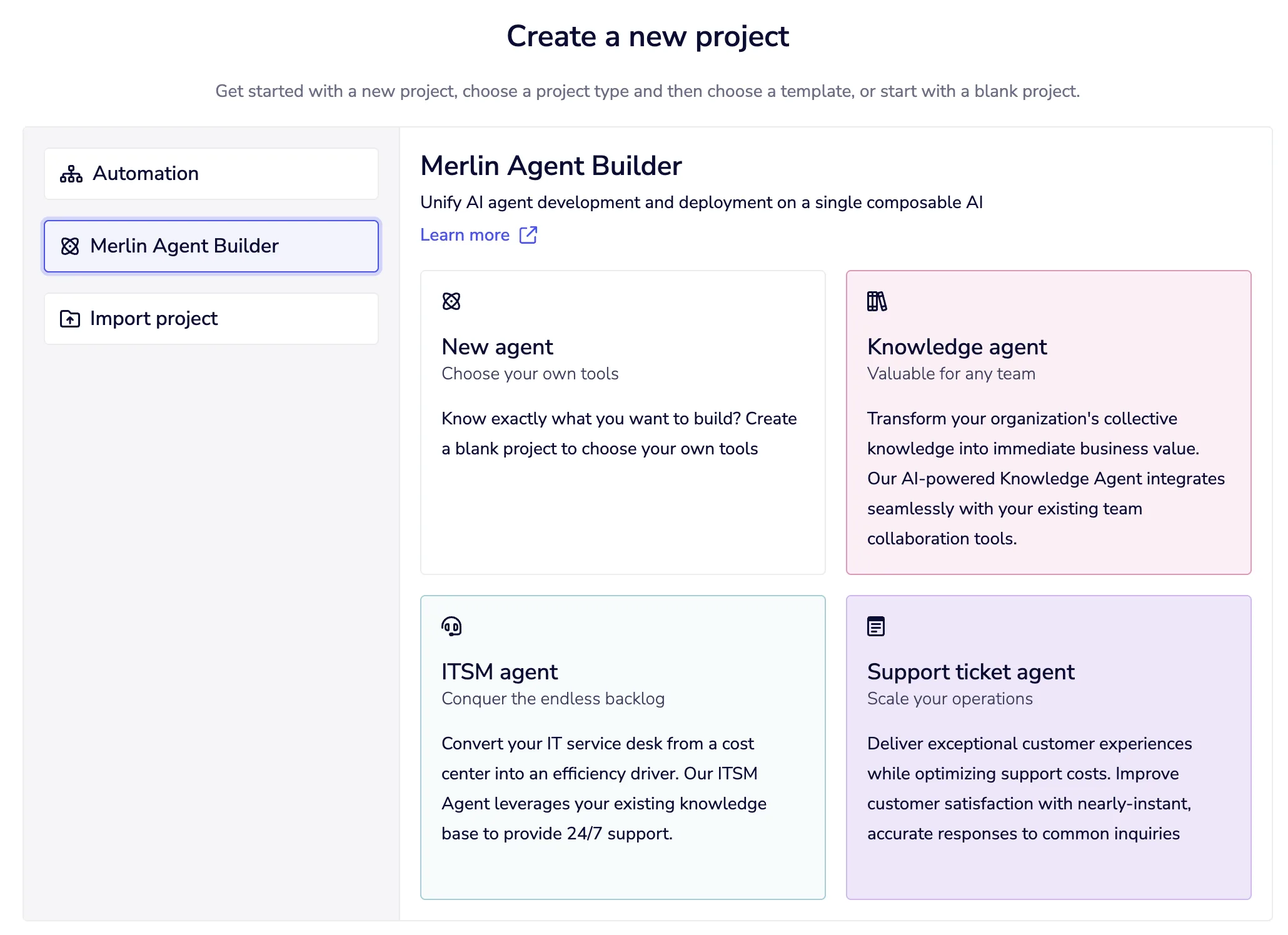
This profile covers Tray iPaaS: Tray Build, Headless, Agent Gateway for MCP, Merlin Agent Builder, and the integration platform around them. Tray Helix is a separate managed runtime for AI-built applications with its own pricing; Helix deployment claims do not describe this iPaaS.
Start with the best AI workflow automation tools if the category is still open. Compare Workato for another enterprise iPaaS, Zapier for broader self-serve business automation, and n8n when self-hosting and execution-based pricing matter.
Use these criteria before choosing Tray.ai
| Criterion | Tray fits when | Validate before rollout |
|---|---|---|
| Workflow shape | Flows need branching, loops, transformations, APIs, reusable callables, and custom connectors across several systems | Rebuild one production-shaped flow and count every trigger, loop iteration, helper, service step, retry, and AI call |
| Operating model | A central team will own platform architecture while departments build within controlled workspaces | Map workspace roles, authentication owners, promotion, emergency disablement, and offboarding |
| AI and MCP | Agents need a governed catalog of narrow integration tools instead of raw system access | Test identity propagation, service-account scope, tool visibility, approval behavior, logs, and client-specific controls |
| Recovery | Operators can respond inside a short log and replay window and export evidence elsewhere | Exercise partial writes, duplicate replay, expired credentials, task-cap interruption, alert failure, and source-system backfill |
| Hosting | Managed cloud with US, EU, or APAC regions and private-network connectivity meets policy | Confirm contracted region, subprocessors, cross-region AI processing, backup terms, and which data leaves through connected models |
| Procurement | Custom pricing and an enterprise platform decision are acceptable | Require task allowance, token conversion, add-ons, support, implementation, overage, renewal, and exit terms in the quote |
Pricing is quote-only, then usage depends on tasks
The pricing page was checked October 19, 2026. It publishes plan structure and limits, but no dollar price, included task volume, overage rate, or Agent Development add-on price. A free trial is available through sales; there is no advertised permanent free plan.
| Plan | Public price | Published boundary |
|---|---|---|
| Pro | Custom quote | 3 workspaces, 7-day Insights, 7-day logs, 700+ connectors |
| Team | Custom quote | 20 workspaces, 30-day Insights, 7-day expandable logs, retention management, Guardian Log Masking, purchasable add-ons |
| Enterprise | Custom quote | Unlimited workspaces, 180-day Insights, advanced on-premise connectivity, SSO, HIPAA, regional hosting, log streaming, and data engineering |
Automation, integration, API management, AI Palette, VectorTables, built-in AI tools, audit trails, Tray Build, Headless MCP, and API access are listed across all plans. That does not place every connector operation, governance control, retention period, region, or AI product in the base quote. The pricing page separately labels Agent Development—Agent Gateway plus Merlin Agent Builder—as an add-on. SSO, HIPAA, regional hosting, 30-day log retention, 180-day Insights, IDP, data engineering, and log streaming also appear in the add-on list even when some are highlighted on Enterprise. Get the order form to state each entitlement.
A task is roughly an executed workflow step. Tray's usage documentation counts the trigger, helper logic, connector actions, and repeated loop work. Its example has five connector steps but consumes nine tasks after two records pass through a loop. One connector step can make several underlying API calls and still count as one task; conversely, one incoming payload can create many tasks through loops and branching. Connectivity API calls and processed Trigger API event deliveries have separate one-task rules, including some filtered events and failed delivery after retries.
Native AI is less predictable from public material. Both input and output tokens convert into tasks using a customer-specific token-to-task ratio that is available from Tray support, not published in the dashboard. Agent Builder data sources and tools consume standard workflow tasks. Bring-your-own OpenAI, Anthropic, or other model credentials create a separate provider bill. IDP uses processed pages as its unit. Ask for the exact conversion and model list, then replay real prompt, retrieval, tool, and loop distributions before approving capacity.
Workspace caps are a guardrail with a sharp edge. Usage is measured by calendar month rather than billing month. At the cap, in-progress workflows stop; Tray warns this can cause data loss or corruption. A cap is not a transaction boundary. Keep external writes idempotent, checkpoint long jobs, alert before the cap, and test how a stopped run is reconciled.
Agent governance is useful, but scope it precisely
Agent Gateway can expose individual connector operations or complete Tray workflows as MCP tools. Workflow tools are the stronger enterprise pattern: validation, deterministic transformations, error handling, and business rules stay inside one composite tool, reducing the number of decisions left to the model. Tray documents a human-approval pattern—receive, validate, request approval, then execute—but the reviewed page does not establish a universal one-click approval gate for every connector tool. Build and test the exact approval path, approver identity, timeout, denial, and audit evidence required.
Gateway separates client authentication from tool authentication. OAuth can execute with each user's credentials; API-token clients can use only shared service-account credentials. Users currently need an active Tray account in the same organization and explicit Gateway access beyond workspace membership. They can receive tool-execution access without editor access. That is a meaningful separation, provided each exposed tool and shared credential is narrow.
Current limits change the governance claim. OAuth client support is currently documented for Claude Desktop, while API tokens work with more MCP clients. Tray recommends 15–20 tools per server for model selection quality, though this is guidance rather than a hard platform cap. Callable workflows have a depth limit of five and a cumulative limit of 20. Connector-tool execution lacks detailed step-level logs in the Gateway view; aggregate Insights do not replace a full action trail. Authentication mappings are retained for seven days. Confirm these boundaries against the client and incident process you will actually use.
Tray Headless is another surface: its Codex and Claude Code plugin and raw MCP server build and validate workflows on the same hosted Tray platform. The packaged plugin can surface destructive actions for confirmation; a raw MCP client follows its own guardrails. Do not mistake a development-time confirmation for runtime approval inside every deployed agent.
Privacy depends on which AI path moves the data
Tray's AI data-handling documentation is unusually specific, and the distinctions matter.
- Native Merlin connectors and Agent Builder run in Tray's cloud. Conversation and workflow inputs and outputs follow workflow-log retention. Synced knowledge remains as embeddings and searchable text until the data source is removed or deleted.
- Workflow Summaries follow a different rule: output persists until the workflow is deleted, and Tray says it may use that output to personalize and improve the customer experience.
- Tray-hosted models use AWS Bedrock. The vendor says Bedrock does not retain customer data or use it for training. Cross-region inference can process within multiple regions inside the customer's broader US, EU, or APAC geography.
- Bring-your-own models follow the customer's agreement with that provider.
- Agent Gateway sends tool descriptions, inputs, and results to the connected MCP client and its model. Gateway runs in the workspace region, but returned data leaves Tray.
- Merlin Chat and Build uses OpenAI in the United States. Tray says OpenAI is opt-in, contractually cannot train on the data, and does not retain it after processing.
The public Trust page's broad “never trains” statement should therefore be read with the detailed route-specific disclosure, not as proof that data remains inside one region or vendor. Tray's security policy also says internal system logs can retain step inputs and outputs for up to 24 hours even when customer-visible logging is disabled. Confirm the selected model, subprocessor, retention, support-access process, masking, and contract for each workflow.
Tray is a managed cloud service. Regional hosting covers US, EU, and APAC deployments; “advanced on-premise” on the Enterprise card refers to connectivity into private systems, not a self-hosted Tray control plane. The security statement publishes daily backups, geographically separate storage, annual recovery testing, a 14-hour recovery-time objective, and a 24-hour recovery-point objective. Those vendor objectives are procurement evidence, not proof of a particular workflow's end-to-end recovery.
Logs and replay need an external recovery plan
Workflow logs show run status, step status, and step input/output. The debugging documentation says logs and replay are available for seven days on Pro, seven days on Team with a 30-day add-on, and 30 days on Enterprise. The current technical-limits page instead says logs last 7 or 30 days by package but can be rerun for only 7 days. Treat Enterprise's replay window as unresolved: confirm the actual plan and settings, then test an older run before promising 30-day recovery.
Replaying creates a new run without replacing the original. If earlier steps already wrote externally, a full replay can duplicate them unless the workflow checks idempotency keys or destination state. Other current limits belong in the recovery test: standard connector timeout is generally 45 seconds, the HTTP Client can wait 15 minutes, service API errors retry three times only under the documented stop-workflow behavior, files generated in a run persist six hours, and normal data between workflow steps is capped at 6 MB. The same limits page lists 1 MB for Trigger Event Reply but 2 MB combined for an “Await workflow and respond” reply, so validate the exact trigger mode and payload instead of treating those as interchangeable.
Insights retention is different from detailed workflow-log retention: the pricing page lists 7, 30, and 180 days by plan. Do not read 180-day Insights as 180 days of replayable payloads. Tray's Trust page also says customers can reduce log retention from 30 days to 24 hours or disable it, while the plan docs retain shorter defaults. Resolve the actual plan, add-on, and organization setting in the workspace.
Error alerting is a workflow you configure. Its payload can include workflow, step, connector, timestamp, error, and a direct log URL; raw third-party responses are optional. Export operational evidence before retention expires, and monitor the alerting path itself. Tray explicitly warns that unavailable source data may not be recoverable after the log window.
Practitioner evidence supports the enterprise-integration fit
In a July 30, 2026 AWS Marketplace review, verified AWS customer Melina Souza described Tray as the core iPaaS for scheduled ad-platform and ERP data ingestion. She valued the visual builder, raw HTTP blocks, data mappers, and reusable callable workflows. She also reported that high-volume 429 handling required custom backoff loops and that workflow versioning relied on external repositories or manual exports. This is one attributed customer's experience, not evidence that every connector, workload, or account behaves the same way.
That review captures Tray's sensible buying frame. Connector count is the start, not the decision. Verify the exact objects, pagination, bulk behavior, attachments, rate limits, API versions, error payloads, and raw HTTP fallback for the systems that matter.
We did not access or test a Tray workspace. This desk-research verdict rests on current first-party pricing and documentation plus the attributed community report above.
Choose Tray when managed enterprise integration and controlled agent tools are one program with a real platform owner. Choose n8n when deployment control and execution-based accounting outweigh managed governance, or Zapier when fast self-serve app automation is the primary need. The human-approved automation guide covers the control design to test regardless of platform.
Related workflow guides
- Build reliable no-code AI workflows
- Route and summarize support tickets
- Enrich and route inbound leads
Sources & further reading
- Tray iPaaS pricing and plan limits
- Task usage and AI token billing
- Workspace task limits
- Logs, replay, and retention
- Technical limits, timeouts, retries, and replay window
- Error alerting payloads
- Agent Builder getting started and billing
- Agent Gateway authentication and access
- Agent Gateway workflow tools and approval pattern
- Agent Gateway limitations
- Tray AI data handling
- Security statement and recovery objectives
- Security policies and internal log retention
- Tray trust and regional hosting
- Tray Headless scope
- Verified AWS customer review of Tray integration operations


