
Tool
OpenAI Codex
Choose Codex for local coding plus parallel cloud tasks. Compare its worktrees, review controls, pricing, shared limits, and API-key restrictions.
TL;DR
- Choose Codex when local implementation and asynchronous cloud delegation should live in one workflow.
- Its main category advantage is surface coverage: CLI, IDE, desktop, cloud, GitHub, and GitLab.
- Plus costs $20 per month; Pro starts at $100, and API-key usage is billed separately.
- Local commands are sandboxed with network access off by default; cloud tasks run in isolated containers.
- Skip it when predictable fixed capacity or an editor-first, multi-model workflow matters more than delegation.
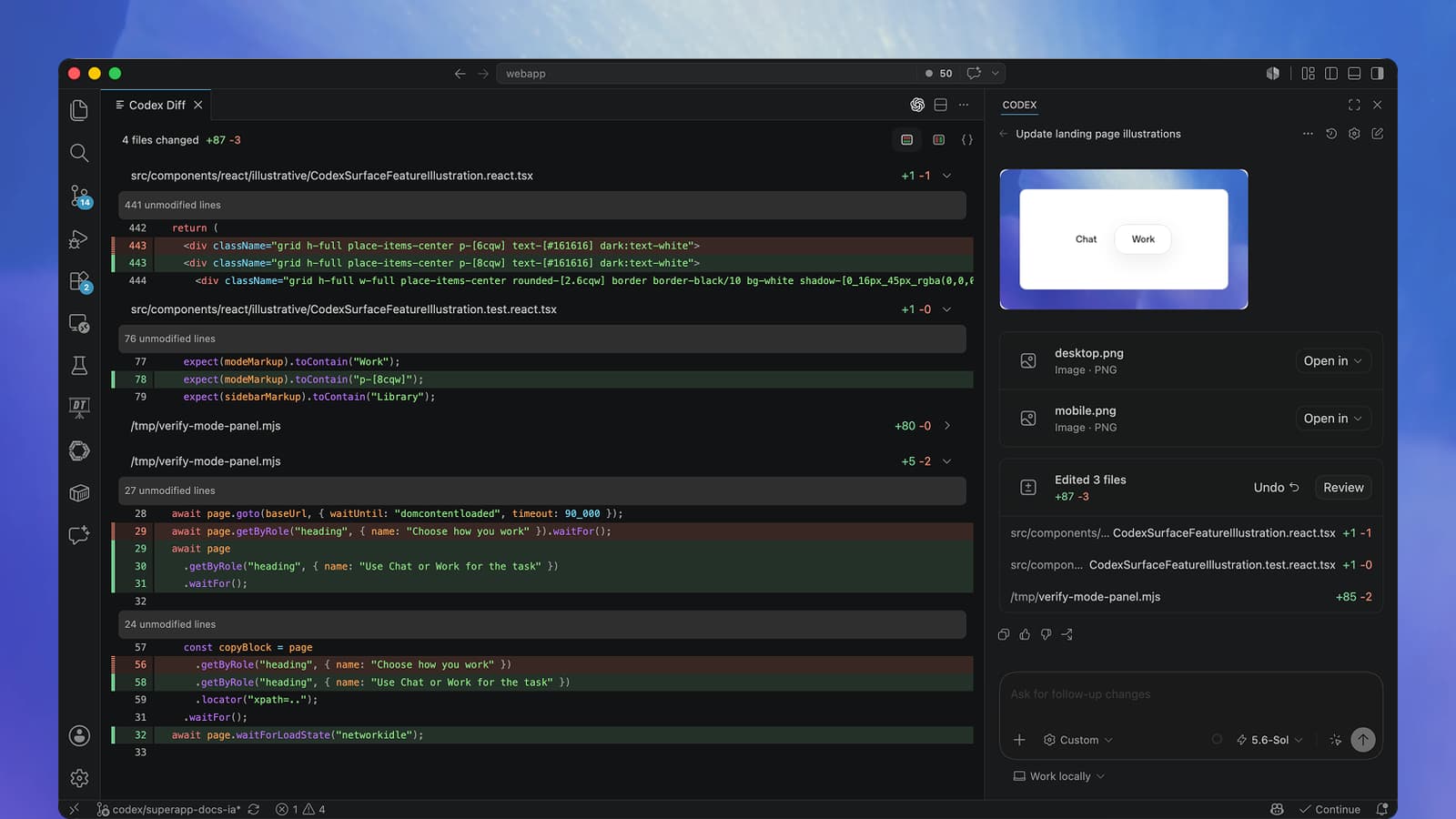
Codex fits developers who want to move between hands-on coding and delegated work without changing agent systems. Use the CLI or IDE for tight iteration, the desktop app for parallel local tasks, and Codex cloud for background work that ends in a reviewable diff or pull request.
Decision snapshot
| Decision factor | Codex answer |
|---|---|
| Best for | Developers and teams mixing local work with delegated cloud tasks |
| Local control | CLI, IDE extension, and desktop app with sandbox and approval policies |
| Delegation | Isolated cloud environments, parallel tasks, GitHub/GitLab change workflows |
| Review path | Summary, logs, diff, follow-up prompts, then PR or merge decision |
| Paid entry | $20/month for Plus; usage-based API-key option |
| Main trade-off | Limits vary by model, context, tools, and local versus cloud execution |
Choose the surface by job
| Surface | Use it when | Watch for |
|---|---|---|
| CLI | You want fast terminal steering, scripting, or CI-friendly execution | Less visual coordination across several tasks |
| IDE | The open file, selection, and editor context should stay close to the agent | It complements the editor; it does not replace every IDE feature |
| Desktop | You want several local chats, worktrees, diffs, files, and terminals in one workspace | More application overhead than a terminal-only loop |
| Cloud | Work should continue in a reproducible container while your machine is free | Environment setup and repository access need deliberate configuration |
| GitHub or GitLab | An issue, pull request, or merge request should start a delegated task or review | API-key authentication alone does not include these cloud features |
The desktop app is available on macOS, Windows, and Linux. The IDE route covers VS Code and compatible editors such as Cursor and Windsurf, plus Xcode and JetBrains integrations. Cloud work can start from the web, GitHub, GitLab, Linear, or Slack.
For product selection across the category, compare Codex in the best AI coding agents guide. The closer head-to-head is Claude Code versus Codex.
What Codex does well
Local and cloud work share one review model
Local sessions can edit files, run commands, and test changes in the active workspace. Cloud sessions check out a selected repository revision into an isolated container, run setup, execute the task, and return a summary and diff. That makes Codex useful when some work needs close steering and other work can be delegated in parallel.
This is most valuable for bounded engineering jobs: implement a scoped feature, diagnose a failing test, update a dependency, or prepare a reviewable branch. For the operating controls around delegated changes, use the issue-to-PR coding-agent workflow.
Permissions are visible and configurable
For local work, the default model is a constrained workspace: Codex can read files, edit inside the active workspace, and run routine commands, while network access is off by default. The approval policy decides when it must stop before crossing that boundary. Read-only mode is available when the task is analysis or review.
Cloud tasks run in OpenAI-managed containers. Setup scripts can access the internet to install dependencies, but the agent phase starts offline unless internet access is enabled. Cloud secrets are available during setup and removed before the agent phase. These controls reduce exposure, but they do not make untrusted dependencies, broad write access, or enabled internet access risk-free.
Review is a first-class outcome
Codex exposes changed files and diffs instead of treating a generated answer as the finished artifact. It can also review pull requests through GitHub, while local /review workflows use the general usage allowance. A human still needs to validate the finding, inspect the diff, and own the merge. The AI pull-request review workflow gives a risk-based review order and evidence standard.
Pricing and limits
Free and Go provide lighter desktop access subject to rollout. Plus is $20 per month and includes web, CLI, IDE, iOS, cloud, and cloud integrations. Pro starts at $100 with 5x and 20x usage options. Business is $20 per user monthly with annual billing and a two-user minimum, or $25 with monthly billing. Enterprise and Edu pricing is custom.
Usage is not a fixed prompt count. Model choice, context size, reasoning, tools, caching, and task complexity change consumption. Local messages and cloud chats share the plan allowance, cloud work may consume more, and weekly limits may apply. The usage dashboard and CLI /status show the account's current allowance.
API-key authentication is a separate route for the CLI, SDK, and IDE extension. It is billed at API rates and does not include Codex cloud, GitHub code review, or Slack integration. That distinction matters when comparing a $20 subscription with a usage-based automation budget.
Privacy and governance
OpenAI says Business data and API data are not used for model training by default; API customers can opt in to sharing. Enterprise adds retention and data-residency controls, audit logs, usage monitoring, SCIM, EKM, domain verification, and role-based access control. Do not extend those business and API commitments to a personal ChatGPT plan without checking its current data controls.
Repository access is only one part of the boundary. Review which files a local workspace exposes, which repositories the Git integration can reach, which domains a cloud environment can contact, and which credentials exist during setup. Full access should be reserved for isolated, recoverable environments.
Where it falls short
Codex's interfaces do not have identical capabilities. API-key users lose cloud integrations. Desktop users still need an editor for deeper navigation and manual changes. Cloud users need reproducible setup scripts before results are trustworthy.
Capacity is also difficult to budget from prompts alone. A small change with large repository context can cost more allowance than expected, while different models produce very different message ranges. Teams with strict cost forecasting should measure real task consumption before standardizing a plan.
What users report
The existing community evidence supports a workflow conclusion, not a quality benchmark. In one r/codex discussion, u/oddslol said they had moved from the CLI to the app, while u/gregpeden highlighted parallel worktrees and notifications but still used VS Code for IDE work and merging. Other participants, including u/Tystros and u/Xisrr1, preferred the CLI because it felt faster and more responsive. u/eschulma2020 recommended keeping full permissions off and using auto-review.
The practical split: desktop works as a task coordinator; CLI offers lower-overhead steering. These reports do not establish code quality, benchmark performance, or safety.
Who should choose it
Choose Codex when you want one OpenAI agent across terminal, editor, desktop, cloud, and pull-request workflows. Its best use is a bounded task with explicit acceptance criteria, isolated execution, runnable checks, and a human-reviewed diff. Choose a narrower terminal harness or agentic IDE when orchestration breadth matters less than speed, model choice, or a fully editor-native workflow.
For the other finalist's full product details, see Claude Code.
Compare terminal execution boundaries in the CLI coding-agent shortlist. Apply Codex to legacy-code refactoring or unit-test generation and maintenance with explicit acceptance evidence.
For a different desktop coordination surface, compare Devin Desktop, which combines an IDE, local/cloud session management, and compatible external agents through ACP.
For hosted repository retrieval as a separate buying decision, compare Augment Code. Its Context Engine can support other agents through MCP; evaluate indexing scope, usage charges and data handling independently of the editing client.
For a Google-model terminal workflow, see Gemini CLI. Check the surviving API-key or organizational access route, explicit sandbox configuration and tool policies before comparing its output with this workflow.
Sources & further reading


Appears in