
Tool
Canva Magic Studio
AI-assisted design suite for branded graphics, presentations, social content, images, video, copy, and team templates.
TL;DR
- Best for marketers and operators turning brand rules into repeatable graphics, decks, documents, and video.
- AI sits inside a mature template, resize, asset, collaboration, and approval workflow.
- Faster than a specialist tool for common business content; weaker for exact illustration or advanced design systems.
- Treat generated copy and visuals as editable ingredients, not approved brand output.
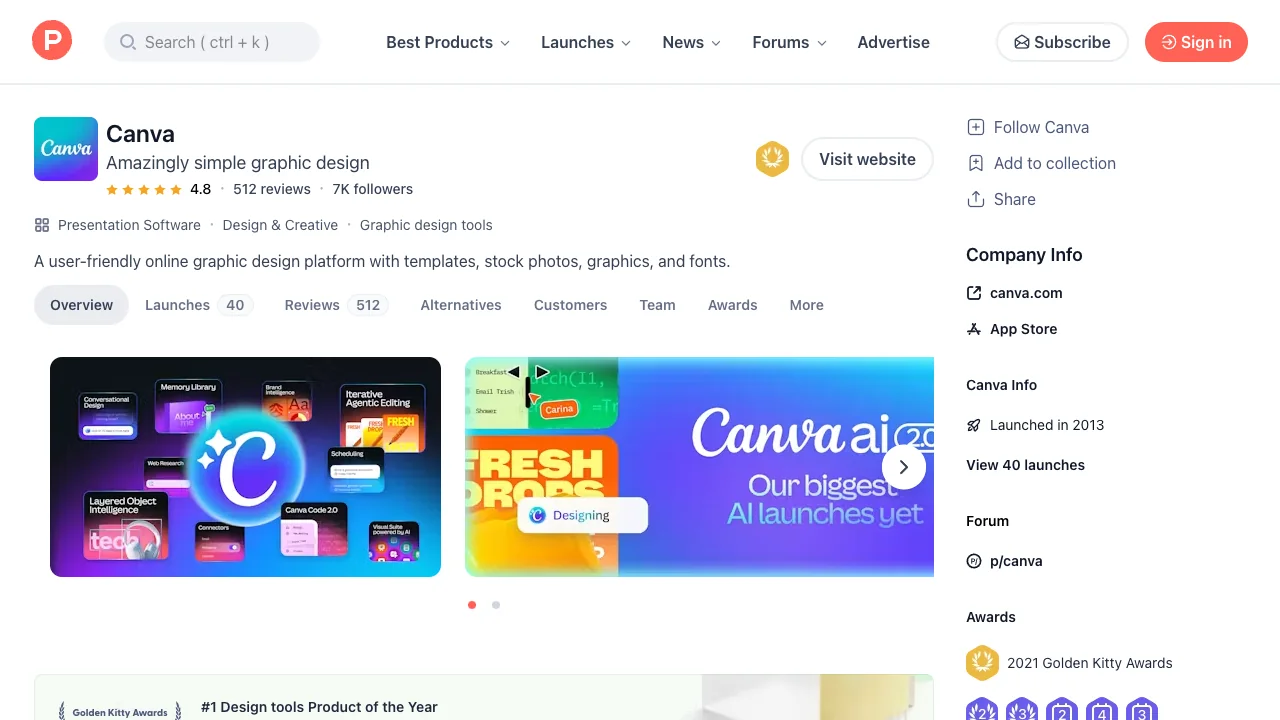
Canva Magic Studio is the AI layer across Canva's broader visual communication suite. It can generate or transform images, draft text, resize layouts, remove backgrounds, create presentations, and assist video work while preserving the templates and Brand Kit that teams already use.
What it does well
Canva wins on the last mile. A generated visual can immediately enter a social template, inherit fonts and colors, be resized for another channel, and move through comments or approval. That surrounding workflow is often more valuable to a marketing team than the raw image model.
Where it falls short
Convenience can produce generic composition. Generated text needs fact review, image outputs can introduce artifacts, and brand consistency still depends on locked templates and disciplined asset choices. Canva users on Reddit regularly praise the speed of background removal and variations while questioning whether some AI features improve on focused tools.
Bottom line
Choose Magic Studio for broad, on-brand business production. Choose Ideogram for typography-heavy generation, Recraft for vectors, or Figma AI for product interface work.
Sources & further reading


Appears in