Use case
How to Create AI Avatar Training Videos
Build maintainable avatar-led training with approved scripts, short scenes, supporting visuals, accessibility, and update controls.
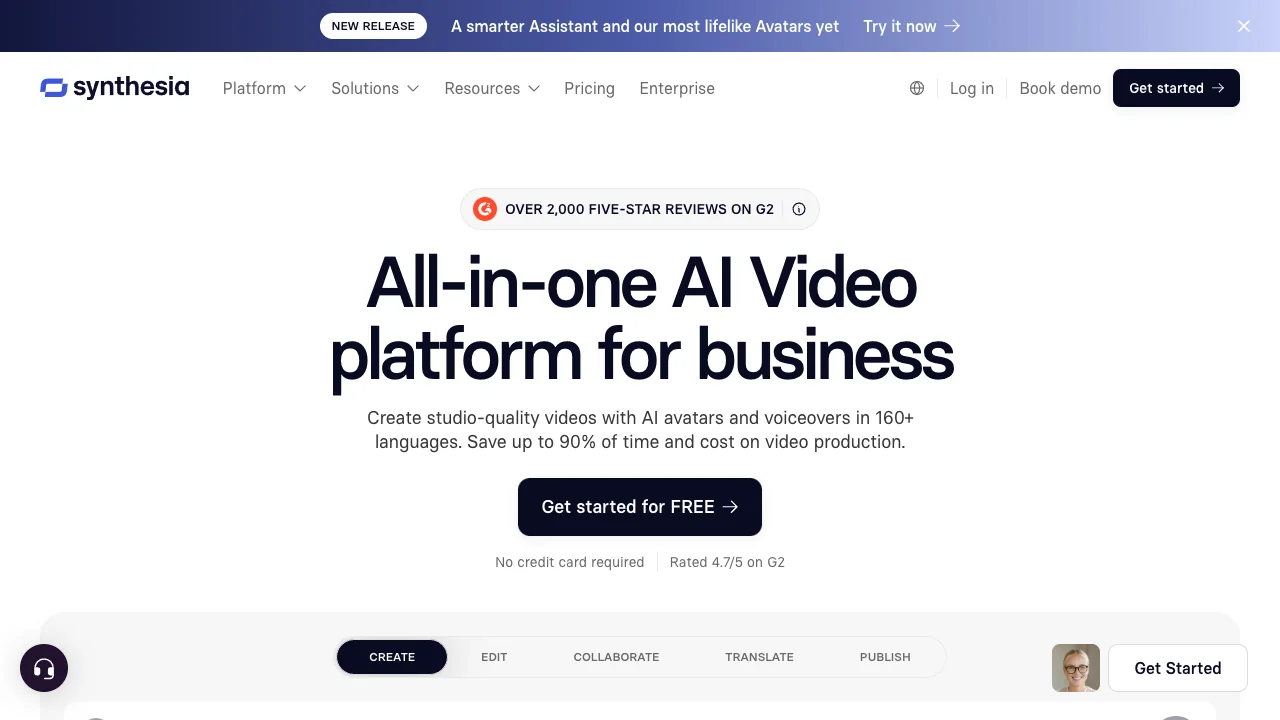
Start with the learning objective, not the avatar. A synthetic presenter can reduce production time, but it cannot rescue an unclear lesson.
Workflow
- Write observable outcomes and split the lesson into modules under five minutes.
- Script short spoken sentences and mark every claim that needs legal, safety, or policy approval.
- Build scenes in Synthesia or HeyGen, alternating the presenter with real interface captures, diagrams, and examples.
- Correct pronunciation, pauses, emphasis, and translated terminology.
- Finish captions, audio levels, and visual timing in VEED if required.
- Add a knowledge check and owner, review date, and source version to the learning system.
Controls
Obtain consent for custom avatars and voices. Disclose synthetic presentation where viewers may mistake it for a real recording. Provide captions and a transcript. Do not use a friendly avatar to soften dangerous, regulated, or disciplinary information that requires a real accountable person.
Pilot comprehension, not visual novelty. If learners cannot perform the task afterward, revise the instruction.
Sources & further reading


Ordered for comparison, not as a universal ranking. Inclusion requires a direct fit with this page's stated workflow.