
Tool
VEED
Browser video editor with recording, transcription, subtitles, templates, cleanup, translation, and AI-assisted creation.
TL;DR
- Best for recording or importing footage, then finishing it quickly in a browser.
- Strong on transcription, styled captions, resizing, templates, simple cleanup, and team sharing.
- Easier to hand to a marketer than a professional nonlinear editor.
- Browser performance, plan limits, and annual billing deserve testing with a real project.
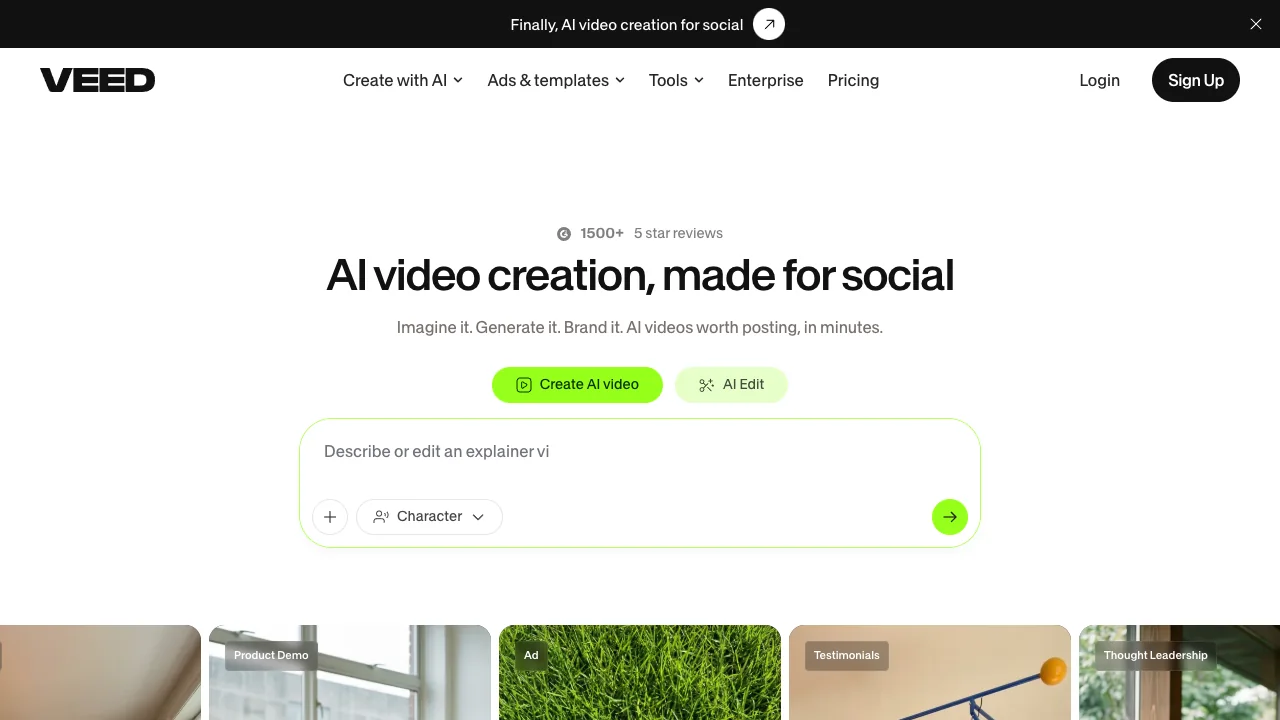
VEED sits between a template-based social tool and a conventional video editor. It can record a screen or camera, transcribe the result, edit through text and timeline controls, add captions and branded layouts, translate, and export common social formats without installing desktop software.
Decision snapshot
| Question | Answer |
|---|---|
| Best use | Talking-head edits, demos, webinars, captioned social video, and screen recordings |
| Strongest advantage | A broad finishing workflow accessible from a browser |
| Not the same as | A cinematic generative model or deep professional editor |
| Main constraint | Large projects and precise edits expose browser and timeline limitations |
What VEED does well
Most business video does not need synthetic footage. It needs silence removed, captions corrected, the frame resized, a logo added, and exports delivered quickly. VEED collects those operations in one approachable interface. Text-based editing and automatic subtitles can cut the first-pass workload substantially, while templates keep recurring series visually consistent.
It also suits distributed review better than a local desktop file. A teammate can open the project without matching the editor's workstation setup.
Where it falls short
Automatic transcription still needs review for names, jargon, and accents. Dense timelines and large source files can make a browser editor feel less predictable than a dedicated desktop application. A detailed Reddit complaint also flags confusing annual-plan expectations and support friction; one report cannot establish the norm, but it is enough reason to trial the exact export and cancellation flow before committing.
Bottom line
Choose VEED when existing footage and fast finishing are the job. Choose Runway for generated shots, OpusClip for bulk clip suggestions, or a desktop editor when frame-level control and large projects dominate.
Sources & further reading


Appears in