Use case
How to Repurpose Long Videos into Short Clips with AI
Turn webinars, podcasts, and interviews into coherent short clips with AI selection, context review, captions, reframing, and performance feedback.
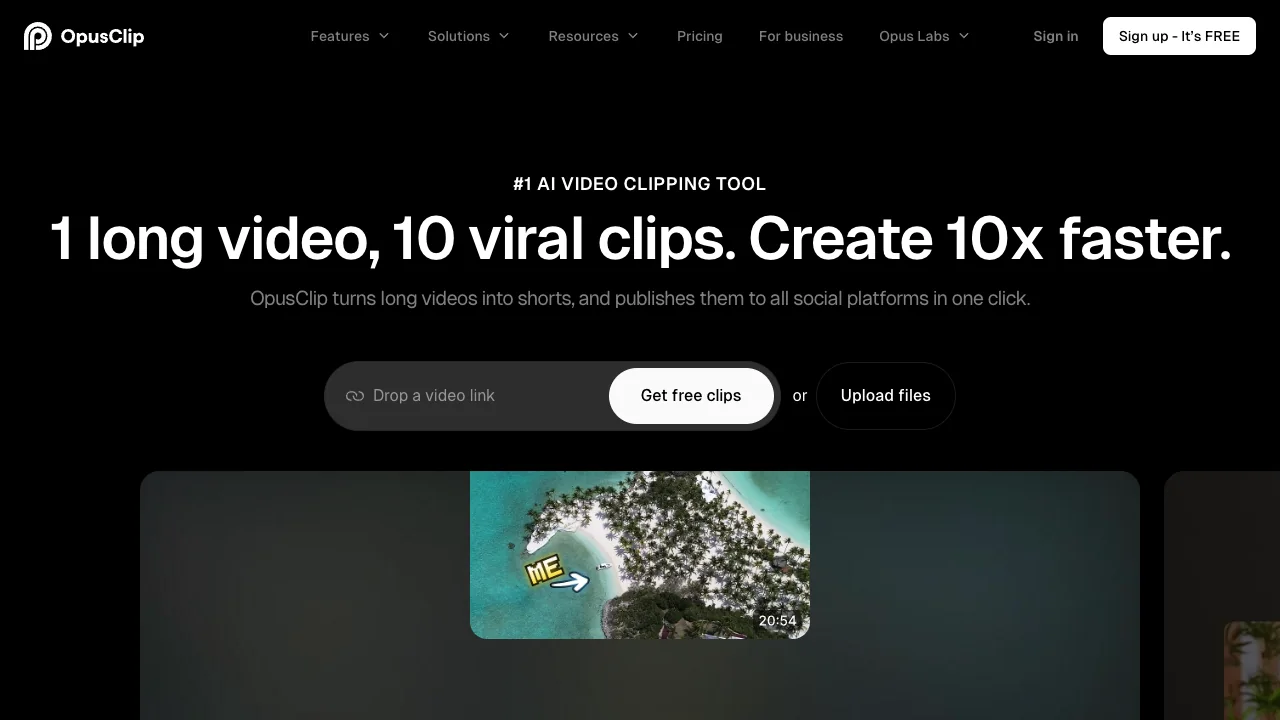
The automation target is candidate discovery, not final editorial judgment. A clip must make sense to someone who never saw the source.
Workflow
- Upload a clean master to OpusClip or Pictory and request candidates around explicit themes.
- Reject segments that start mid-thought, depend on unseen context, distort the speaker's position, or reveal private information.
- Move finalists into VEED or Captions. Tighten the in and out points, preserve natural pauses, and correct subtitles.
- Reframe the actual speaker. Avoid jumpy automatic tracking in multi-person shots.
- Add a truthful hook and a route to the full source, then obtain speaker or brand approval.
Measure the bottleneck
Track source minutes, candidates, approved clips, review time, and published performance. If 30 suggestions produce two usable clips after 40 minutes of review, the workflow may still help—but only if manual scrubbing took longer.
Start with three representative episodes. The best AI video tools guide explains when a clipper, browser editor, or generative tool is the right category.
Sources & further reading


Ordered for comparison, not as a universal ranking. Inclusion requires a direct fit with this page's stated workflow.