
Tool
Microsoft 365 Copilot Search
Evaluate Copilot Search for Microsoft 365 by license cost, connector ingestion limits, permissions, search filters and a known-item retrieval pilot.
Verdict
Shortlist Microsoft 365 Copilot Search when employees already work in Microsoft 365 and need a common place to find files, emails, meetings and connected company information. Start with people who have an eligible paid Copilot license: Search is included, so the incremental decision may be connector setup and information governance rather than another search subscription.
For new licenses, require a retrieval pilot before buying the broader bundle. A persuasive generated answer is a different result from finding the exact contract or email a colleague knows exists. Compare with Glean when the company stack spans many non-Microsoft systems, and use the workplace-search shortlist to choose the operating model.
Microsoft now calls the commercial experience Microsoft Copilot Search. This profile retains “Microsoft 365” to distinguish organization retrieval from the general Microsoft Copilot assistant, Bing web search and Windows local-file search. Those surfaces do not establish the capabilities or licensing of this one.
Decision snapshot
| Decision | What to verify | Why it matters |
|---|---|---|
| Existing licenses | Eligible Copilot license assigned to each pilot user | Included Copilot Chat alone does not unlock the paid Search experience |
| Work corpus | Known emails, meeting records, SharePoint files and external records | A result from one source does not demonstrate coverage of the others |
| Search versus answers | Exact-item retrieval separately from generated summaries | A fluent summary can omit a relevant record |
| External connectors | Synced or federated mode, supported objects and identity mapping | Indexed snapshots and live retrieval have different failure paths |
| Access control | Overbroad sharing, revoked access and group membership | Respecting existing permissions does not repair excessive permissions |
| Operating cost | Copilot bundle, base license, connector entitlement and advanced usage | The published seat price is not the complete tenant bill |
Use the dedicated search surface
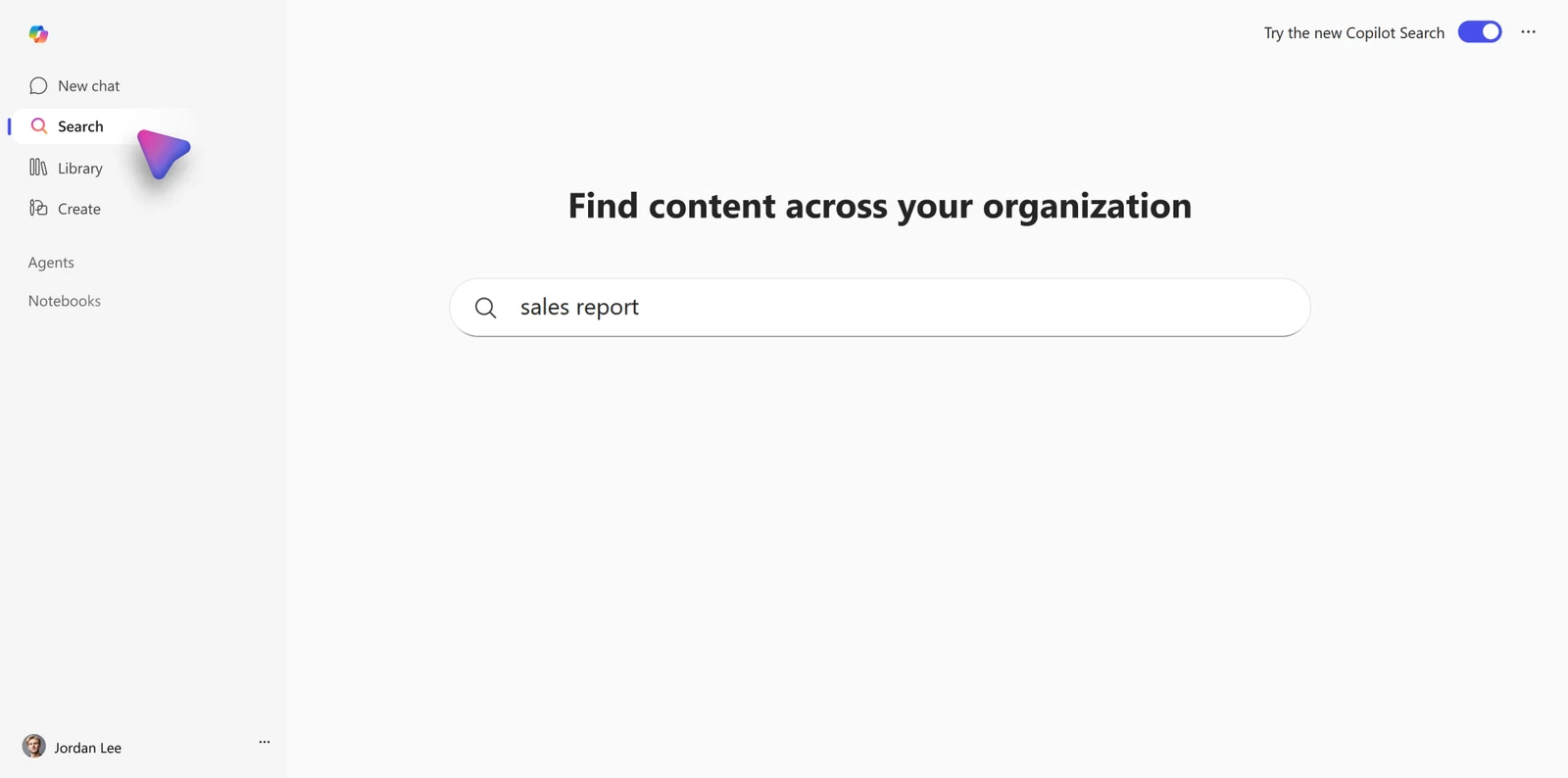
The Search overview describes a module in the Copilot app on web, desktop and mobile. It accepts keywords and natural-language requests and can lead into Chat for deeper work. Generated answers can use the grounding enabled for Chat, including optional web sources; do not assume every answer is exclusively internal.
The FAQ describes source filters for SharePoint/OneDrive, Teams, Outlook email and connected sources. Use these to separate “cannot find the document” from “the query searched the wrong source.” Validate the employee's account, assigned license and chosen application before investigating ranking.
The FAQ says users without an eligible assigned license retain classic Microsoft Search. It also says paid Copilot Search is not included with Copilot Chat. The pricing matrix labels the Chat plan's Search entry “limited capabilities”; that is not evidence of parity with the paid experience. Confirm the actual tenant entitlement instead of treating every Search tab as the same product.
Pricing: a bundle entitlement, not a standalone search fee
Verified October 25, 2026 against the US enterprise page: Microsoft 365 Copilot add-on is $30 per user/month, paid yearly, with an auto-renewing annual subscription. A qualifying Microsoft 365 license is required separately. This is the enterprise add-on price, not a universal small-business bundle price or a month-to-month offer. Actual checkout pricing can vary by region and subscription.
Copilot Search itself adds no separate fee for eligible license holders. External connectors can involve additional licensing or capacity; the Search FAQ mentions unlimited index quota for eligible enterprise licenses such as Microsoft 365 E5, but that does not make partner services, every connector or every advanced AI feature free. Obtain an itemized quote for the intended source count and data volume. Keep advanced metered features separate from ordinary search when estimating spend.
No fixed daily Search-query allowance was published in the reviewed overview, FAQ or pricing page. That absence is not an unlimited-throughput promise; ask about applicable service constraints and test representative peak usage.
Connector limits: indexed content and live access differ
Microsoft's connector overview separates synced connectors from federated MCP connections. Synced content is ingested into Microsoft Graph with metadata and access-control lists. Tenant connections are configured by administrators; self-serve sync requires admin enablement and user authentication and covers limited recent content. Federated connections fetch live data without indexing it into Microsoft 365. Verify the exact mode and source supported in the Search surface you intend to deploy.
For custom ingestion, the current API limits specify 128 schema properties and a 30 MB ingestion request-body limit. Microsoft describes the size limit in terms of parsed text; it is not a blanket 30 MB source-file cap or a guarantee that every connector accepts that much. The same page lists 100,000 external groups per tenant and 10,000 external groups per user for a search query. These are connector implementation constraints, not limits on all native Microsoft 365 files.
A periodic sync can lag a source edit or deletion. Test an update, a revoked permission and a deleted record independently; record observed propagation time for each connector. For ingestion throttling, the API returns HTTP 429 with a suggested wait interval. A connector owner needs monitoring and retry behavior, not just an initial successful import.
Permissions and privacy: configure the boundaries
Microsoft's commercial privacy documentation says Copilot surfaces organizational content the user can view, and prompts, responses and Graph data are not used to train foundation models. That does not mean no data is retained: Copilot interaction history can include prompts, responses and citations, with administrator retention and discovery controls.
Review source sharing before enabling broad retrieval. An old SharePoint folder shared with everyone is still broadly accessible. Search restrictions can reduce discovery, but the FAQ documents exceptions for content people own or previously accessed; treat discovery controls separately from authorization.
When answers use the web, Bing search handling is a separate boundary. Generated search terms can be informed by a prompt or a referenced document even though whole files are not sent as the query. Review the web-content policy and optional third-party model/agent terms; do not turn a no-foundation-training statement into a blanket no-retention or no-external-processing promise.
Community evidence: test the surface, not just the brand
In the r/microsoft_365_copilot discussion, anikansk reported poor Outlook information retrieval, then described better results after moving to the Copilot app and discovering that a calendar item had been marked out of office. bayouski recommended comparing the same known items across Outlook search, dedicated Copilot Search and Chat.
These are unverified user reports, not a controlled accuracy test. The useful lesson is to preserve the exact account, surface and target item when reproducing a miss. Do not generalize an Outlook Chat failure into a measured Copilot Search failure, or a successful follow-up into proof of complete mailbox recall.
A pilot that answers the purchase question
Build a small acceptance set with exact files, emails and meeting items, including a stale duplicate, a newly edited policy, a restricted source and a question the corpus cannot answer. Ask ordinary users to retrieve each item with keywords and natural language. Track item found, source opened, citation support and permission outcome separately; compare against the existing native search workflow.
Use the company-search rollout guide to assign connector owners and review gates. For policy maintenance, see internal AI knowledge governance. Expand only when the team can explain misses, remediate sharing and reconcile license plus connector costs.
This is source-based product research checked October 25, 2026. Images are Microsoft's documentation examples; no authenticated tenant benchmark, retrieval-accuracy score or time-savings test was run.
Sources & further reading
- Microsoft Copilot Search overview and interface illustrations
- Copilot Search licensing and data-source FAQ
- US enterprise Copilot pricing
- Copilot connector modes and architecture
- Connector API ingestion and schema limits
- Commercial Copilot privacy and interaction retention
- Copilot web search and Bing data boundary
- anikansk and bayouski on Outlook retrieval versus Copilot Search


