
Tool
Microsoft Copilot
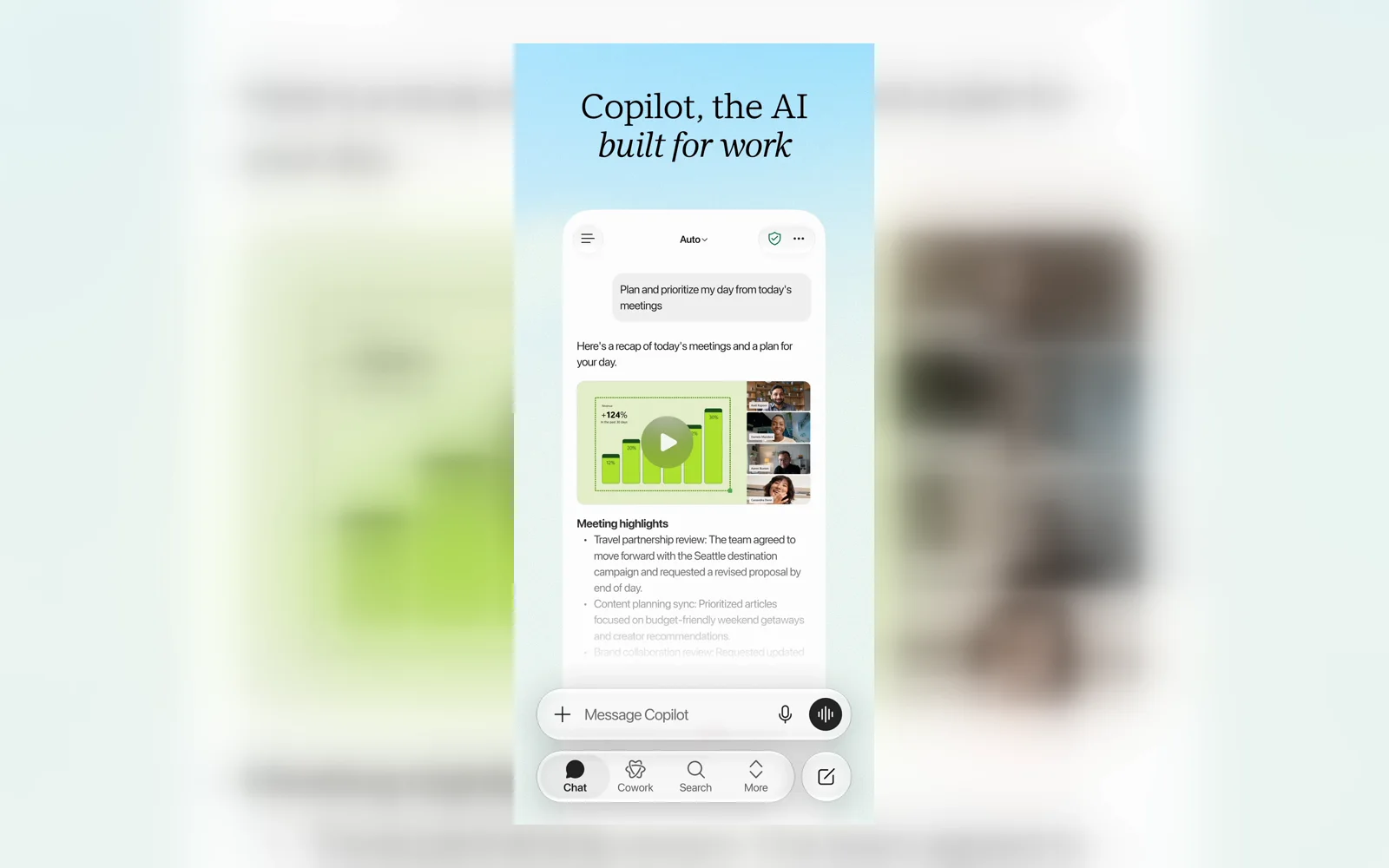
Microsoft's consumer AI assistant for web-grounded answers, voice, vision, image creation, and Microsoft 365 workflows.
TL;DR
- Best for people working in Windows, Edge, or Microsoft 365.
- Offers web-grounded chat, voice, screen and camera assistance, and image creation.
- Paid Microsoft 365 plans add Copilot inside Word, Excel, PowerPoint, Outlook, and OneNote.
- Consumer Copilot is free; Microsoft 365 Personal starts at $9.99 per month in the US.
- Product names and available context vary across Microsoft's different Copilot surfaces.
Microsoft Copilot is Microsoft's consumer AI assistant. It should not be confused with Microsoft 365 Copilot for organizations, Copilot Studio, GitHub Copilot, or the underlying models. The free product focuses on general chat, web-grounded answers, voice, vision, and image creation.
Decision snapshot
| Question | Answer |
|---|---|
| Primary interface | Consumer assistant across web, desktop, mobile, and Edge |
| Best use | General assistance tied to Windows, Edge, and Microsoft 365 workflows |
| Can it use work files? | Only in eligible Microsoft 365 contexts and plans |
| Starting paid price | $9.99 per month for Microsoft 365 Personal in the US |
| Main trade-off | Context and features change between Copilot products and surfaces |
What Microsoft Copilot does well
The free assistant can answer questions using web information, hold voice conversations, create images, and use Vision to discuss a screen, camera view, app, or web page that the user chooses to share. Its availability across browsers, Windows, macOS, mobile devices, and Edge makes it easy to reach without changing accounts or devices.
Microsoft 365 Personal adds higher Copilot usage and access inside Word, Excel, PowerPoint, Outlook, and OneNote. That integration is useful when the source material already lives in a document, spreadsheet, presentation, or email workflow. Microsoft 365 Premium provides higher limits and additional agentic features, while Copilot Pro remains a separate $20 monthly option in supported markets.
Where it falls short
The name Copilot covers several products with different permissions, data sources, and prices. Free consumer Copilot, Copilot inside a personal Microsoft 365 subscription, and Microsoft 365 Copilot for work are not interchangeable. Without an account, prompts use public web data and cannot access private files or mail.
Vision can explain or highlight shared content, but Microsoft says it does not click, type, or scroll on the user's behalf. App and document context also depends on the exact surface and license, which can make behavior harder to predict than the branding suggests.
What users report
Product Hunt reviewer @ido_gortler found the context handling disappointing:
“it often gave irrelevant suggestions and struggled with context.”
Another reviewer on the same product page praised image reading and free access. With only a small review sample on Product Hunt, those comments are better treated as test ideas than a consensus. Check Copilot inside the exact Microsoft app and account type you plan to use.
Bottom line
Choose Microsoft Copilot when your files and daily work already center on Windows, Edge, and Microsoft 365. Choose another assistant when you want a simpler product boundary, more consistent context across surfaces, or less dependence on a specific office suite.
Related workplace-search profiles
Sources & further reading


Appears in