
Tool
Zapier Agents
Zapier Agents is migrating into AI by Zapier. Review legacy activity limits, migration controls, task billing, and when to move existing agents.
TL;DR
- Existing Agents users should review the move to AI by Zapier before expanding their setup.
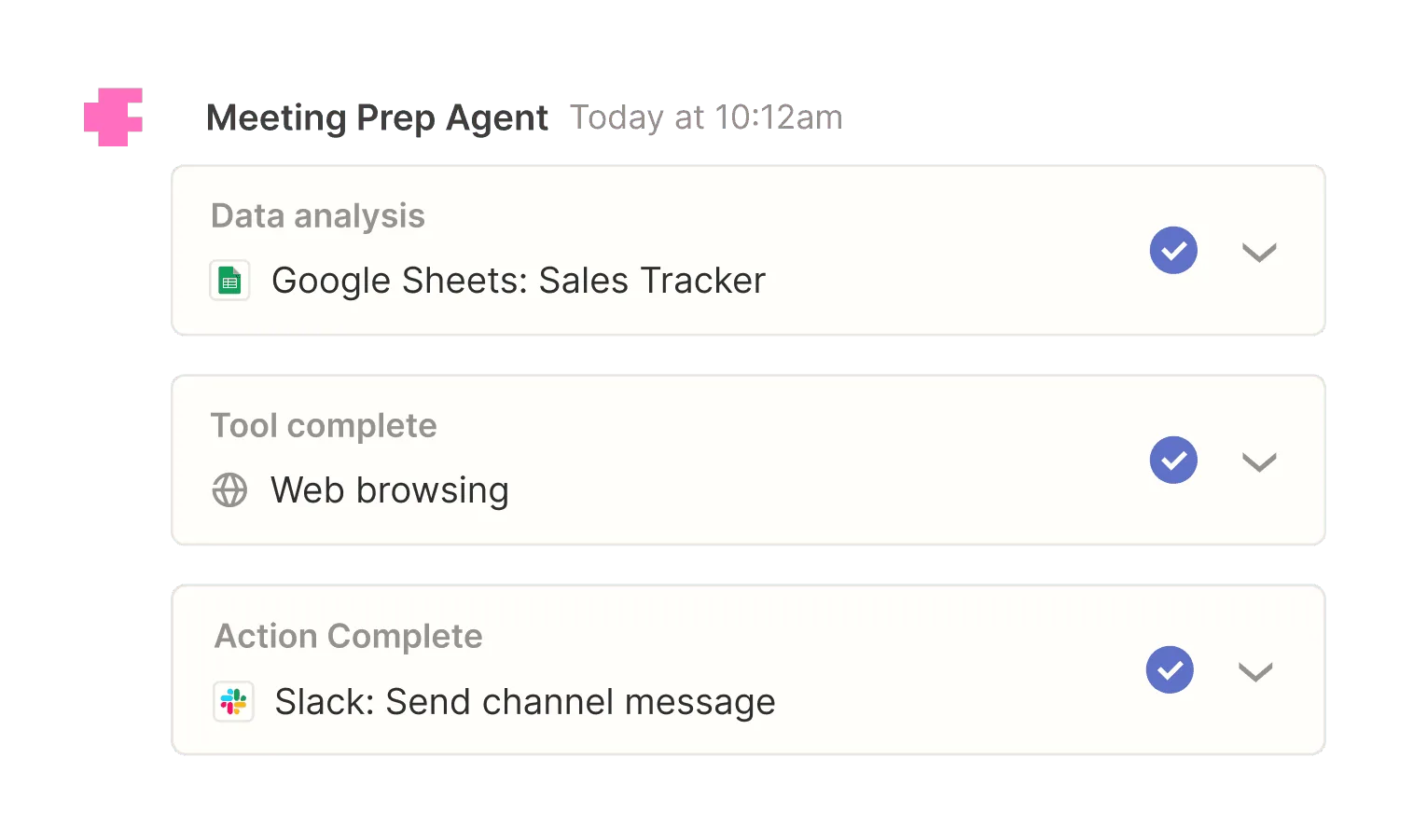
- Agents can browse the web, consult connected knowledge, and take actions in configured apps.
- Legacy Agents uses a separate activity pool; migrated AI steps use Zapier platform tasks.
- An activity can be an app action, web-browsing action, or knowledge lookup, so multi-step jobs consume quota quickly.
- It is an agent product built on Zapier's integration layer, not a replacement for every deterministic Zap.
Zapier Agents lets you describe a role, connect data sources and apps, and give an agent specific actions it may perform. The useful distinction from a normal Zap is that the agent can decide which configured action to use and in what order. It is still bounded by the connections, instructions, and permissions you provide.
October 2026 migration status
Zapier's October 1 migration guide says Agents is moving into AI by Zapier; no shutdown date is set. Conversion creates a native trigger and one AI step containing the original prompt and tools. It does not turn every tool call into its own deterministic step.
Review before publishing: tool approvals default off, full-Zap tests currently consume tasks, and leaving the original agent running can duplicate actions. Some knowledge sources and admin-level model configuration do not yet migrate equivalently. The legacy activity limits below describe existing Agents, not the new task-based model. Follow the official migration guide for account-specific steps.
Decision snapshot
| Question | Answer |
|---|---|
| Primary interface | Web-based agent builder plus Chrome extension |
| Best use | Cross-app research, follow-up, triage, and routine operations |
| Free allowance | 400 agent activities per month |
| Billing boundary | Legacy activity subscription versus migrated platform task usage; verify account offer |
| Main trade-off | Activity metering makes complex or browse-heavy runs hard to estimate |
What Zapier Agents does well
The strongest reason to choose it is access to Zapier's established app-connection layer. An agent can work with live business data and take permitted actions without a team building and maintaining each API connection itself. That is useful for jobs whose path varies, such as researching an account before updating a CRM or deciding how to route an incoming request.
The builder also keeps permissions concrete. You choose the apps and actions an agent can use. Pro raises the per-run ceiling from 10 to 40 activities and stops counting testing against the monthly allowance, which matters while refining instructions.
Where it falls short
The activity unit is broader than a completed task. Browsing, knowledge lookups, and individual app actions all count, so a single outcome may spend several activities. The 400-activity free tier is enough to prototype but not enough to judge a busy production workload.
Reasoning does not remove the need for explicit boundaries. High-impact actions still need narrow permissions, test data, and review points. Deterministic, high-volume data movement may remain simpler and cheaper as a conventional workflow.
What users report
Zapier reviews on Product Hunt consistently pair ease of setup with concern about scaling cost. Scott Q writes that Zapier is “like having an extra operations manager,” while noting that pricing rose as his team automated more processes. That is feedback about Zapier generally, not a test of Agents or its migration. Measure the relevant activity or task bill in the actual product.
Bottom line
For existing Agents, plan migration around source compatibility, approvals, and billing. For new agentic workflows, evaluate AI by Zapier inside the Zap editor. Use deterministic steps where the path is fixed and verify variable task charges before scaling.
Related comparisons
For the full platform decision, read Zapier platform pricing, approvals and recovery.
Sources & further reading



Appears in