Tool
Recraft
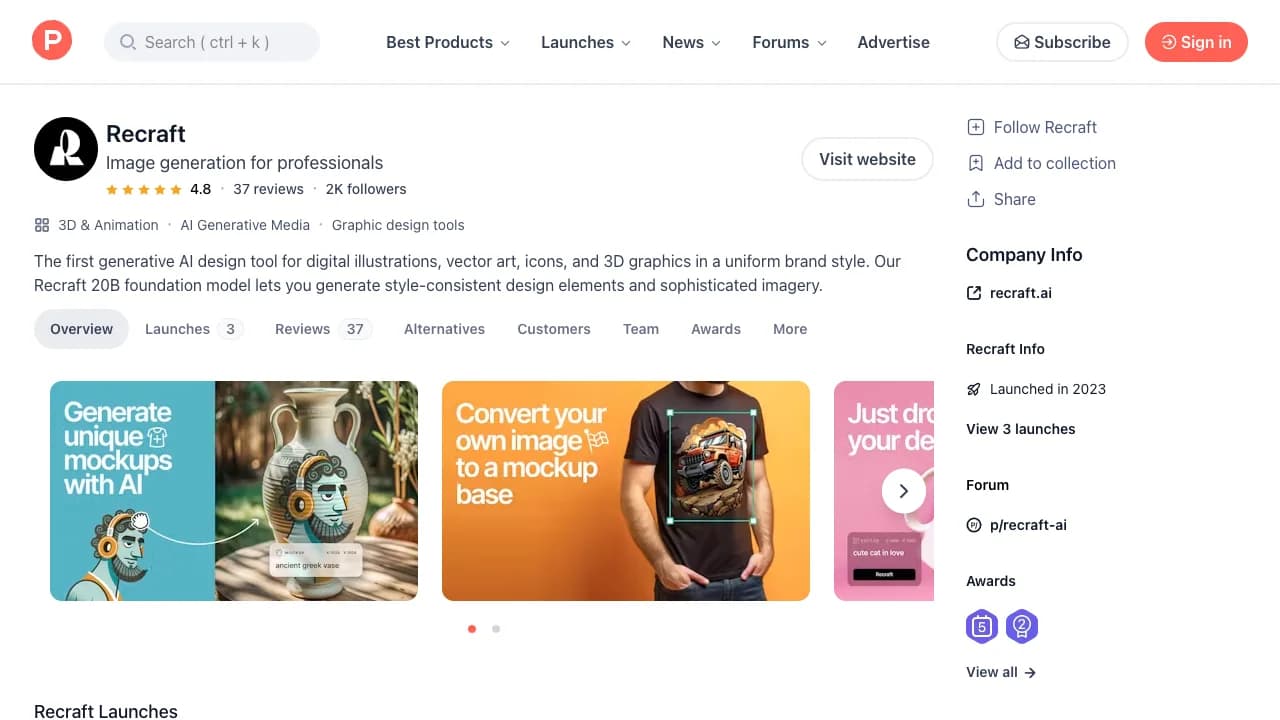
AI design platform for vector graphics, icons, illustrations, brand styles, image generation, editing, and production exports.
TL;DR
- Best for icons, illustrations, and graphics that need vector output or a consistent brand style.
- The canvas and production formats make outputs more usable than a flattened image alone.
- Generated vectors still need path cleanup, optical correction, and brand review.
- Confirm ownership and privacy rules for the chosen plan before client work.
Recraft is a generative design workspace with a meaningful vector story. It creates illustrations, icons, logos, mockups, and raster images, then lets a designer continue arranging and editing work on a canvas and export production-oriented formats.
What it does well
Vector output is the distinction. An SVG can enter an actual design system, change color cleanly, and scale without the tracing step required by raster generators. Style controls also help produce related icon or illustration sets instead of isolated images.
Where it falls short
Generated paths can be unnecessarily complex, small icons may fail optical tests, and an attractive symbol is not automatically distinctive or registrable. Designers discussing Recraft on Reddit praise the speed of vector ideation while still describing cleanup in Illustrator or Figma. Run duplicate and trademark checks before adopting any identity asset.
Bottom line
Choose Recraft for editable vectors and consistent visual sets. Choose Ideogram for text-heavy raster composition, Midjourney for broad concept exploration, or Figma AI for product interface design.
Sources & further reading


Appears in