
Tool
Lindy
An AI teammate for inboxes, meetings, scheduled routines, research, and approved actions across connected workplace tools.
TL;DR
- Best for inbox, meeting, research, and follow-up work delivered through a teammate-style interface.
- Includes Slack mentions, scheduled routines, meeting capture, inbox drafting, computer use, integrations, and approvals.
- Team starts at $29.99 per user per month with 3,000 credits.
- Credit use varies sharply by task, from small lookups to multi-thousand-credit builds.
- Integration guardrails apply to writes in shared Slack threads; verify other channels before allowing sensitive actions.
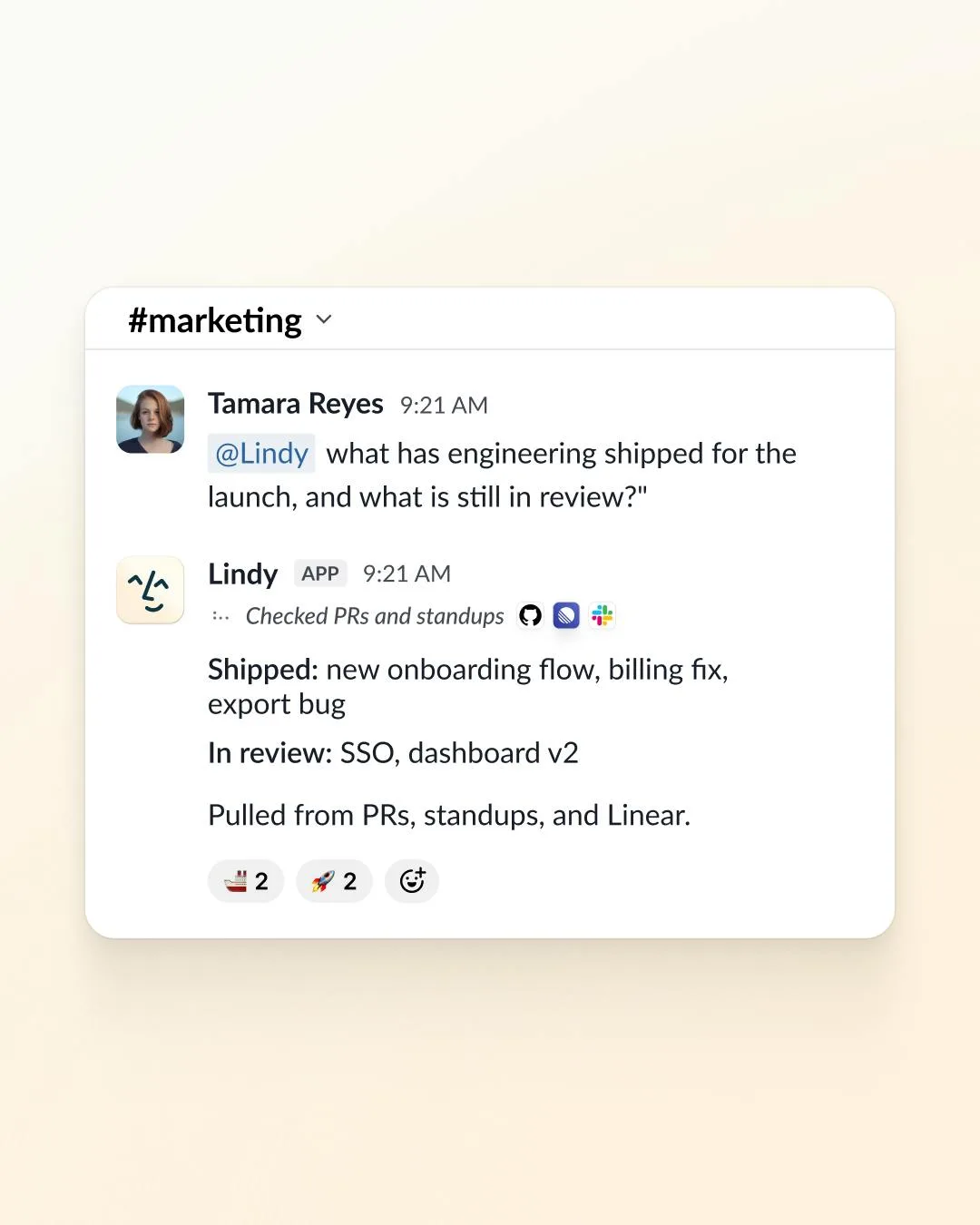
Lindy is positioned as an AI teammate rather than a blank workflow canvas. Users ask it to handle work across inboxes, meetings, files, Slack, and connected apps. It can run scheduled routines and prepare outputs. Approval coverage depends on the channel and integration settings.
Decision snapshot
| Question | Answer |
|---|---|
| Primary interface | Web app and Slack teammate |
| Best use | Inbox operations, meeting follow-up, briefs, research, and recurring team routines |
| Starting allowance | $50 trial credits lasting 7 days; confirm signup billing |
| Starting paid price | $29.99 per user per month for Team with 3,000 credits |
| Main trade-off | Variable credit burn makes heavy tasks difficult to budget |
What Lindy does well
Lindy packages several common office workflows into one interaction model. It can record and summarize meetings, prepare follow-ups, draft inbox replies in a user's voice, search approved sources, and update connected tools. Slack-native mentions make it easier for a team to delegate work without opening another builder.
The pricing FAQ promises approval for outside impact, but the technical integration guide limits guardrails to writes in shared Slack threads. Web chat, Slack DMs, iMessage, and SMS are not covered by those guardrails; reads are unguarded. Use the narrower documented boundary and test the intended channel before connecting sensitive actions.
Where it falls short
Credits measure work rather than a uniform action. Lindy's pricing page estimates everyday asks at 2 to 250 credits, deep work at 250 to 1,000, and large builds at 1,000 to 2,500. A 3,000-credit entry allocation can therefore cover many light tasks or only a few heavy ones.
The October 16 pricing page has inconsistent signup copy: its Free card and trial FAQ offer $50 in credits for seven days without a card, while the seat FAQ still says direct signups are billed immediately and only Slack joiners get a trial. Confirm the actual signup screen before adding seats. Team starts at $29.99 per active user monthly, with pooled credits. Computer-use copy also mixes current Team with older Pro/Max names; confirm entitlement rather than inferring it from the old labels.
What users report
Product Hunt reviewer Danielle Lovell says Lindy's CMO template helped her nonprofit “identify and crystalize details on differentiation” without a marketing agency. She also reports friction in finding time to move more work into the system. That is the adoption challenge with teammate products: value depends on delegating real processes, not merely trying prompts.
Bottom line
Choose Lindy when you want a workplace teammate for recurring knowledge work with the approval scope checked for your channels. Choose a visual workflow platform when precise branches, transformations, and execution-level debugging matter more than conversational delegation.
Related comparisons
Sources & further reading



Appears in