
Tool
Amp
Amp combines a local coding CLI with remote machines, shared agent threads, configurable model routing, and GitHub pull-request workflows.
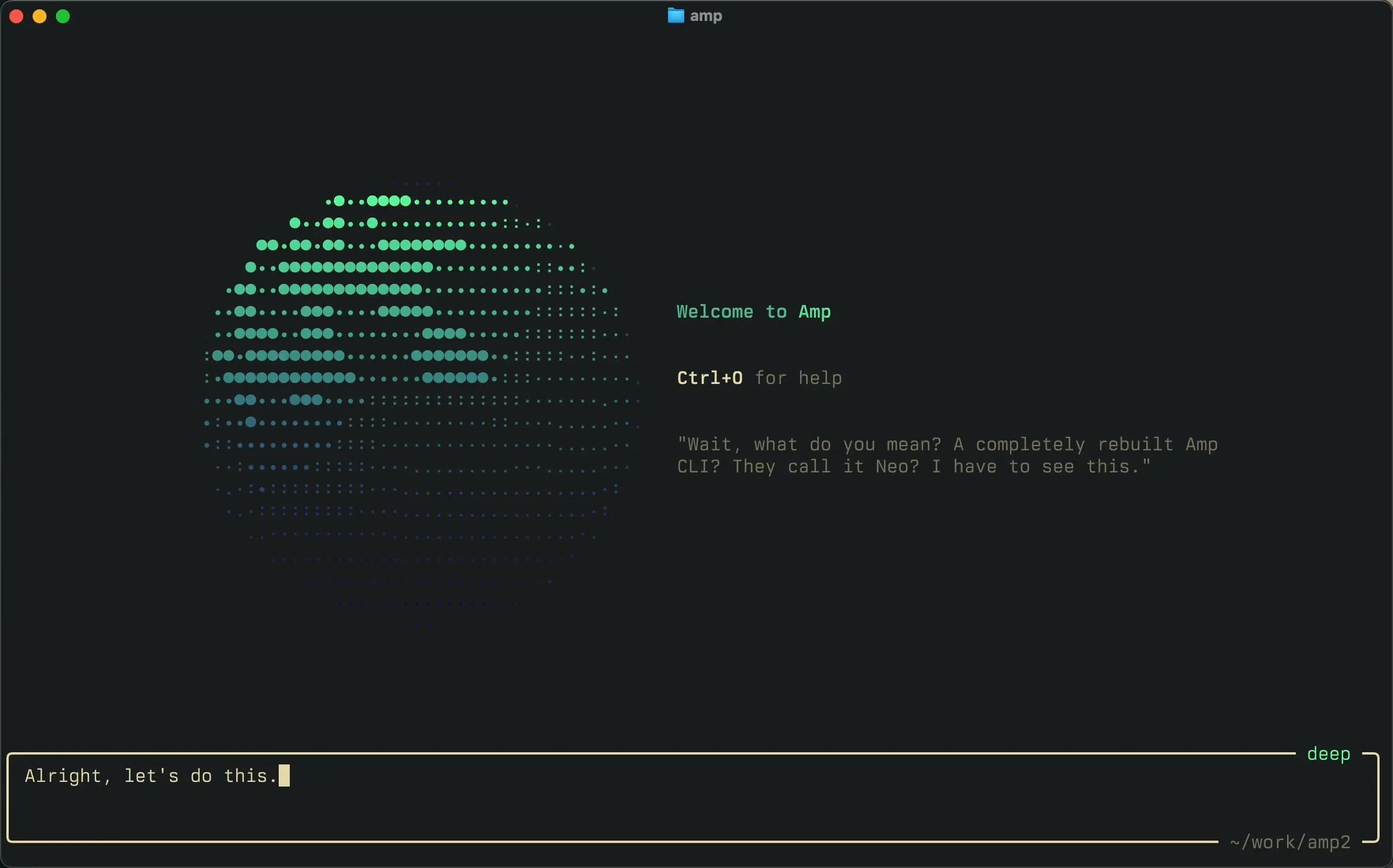
Choose Amp when you want a terminal agent plus remote execution and shared review in the same product. Its free Hobby tier supports your own runners and provider credentials; paid remote compute and provider inference remain separate costs. Compare Amp vs Pi if owning the harness is the alternative.
Amp is a coding agent and development environment. Threads can run locally through the CLI, on a connected runner, or in a remote machine called an orb. Web, Mac and iOS surfaces let you follow work away from the original terminal. An orb can continue when your laptop closes; a runner on your own machine depends on that machine staying available.
Decision snapshot
| Question | Answer |
|---|---|
| Primary surfaces | CLI, web, macOS/iOS and remote orbs |
| Best use | Delegated repository work with cross-device review |
| Model choice | Managed routes plus supported BYOK, subscriptions and gateways |
| Starting price | Hobby free; Megawatt $20/month |
| Main trade-off | Model and compute costs are separate; local execution is not sandboxed by an approval prompt |
Billing and limits
Checked October 1, 2026: Megawatt lists 45,000 orb minutes. Hobby supports pay-as-you-go orbs or your own runners. Amp's no-token-fee statement for connected subscriptions and keys does not remove the upstream provider's bill or quota. Review orb size and provider routing before launching parallel sessions.
Controls to configure
Amp runs tools without asking for approval by default. Its documentation recommends a policy plugin or an isolated environment for untrusted input. A remote orb separates work from your laptop, while a local CLI or runner exposes the permissions of its launching account. Check repository grants, credentials and execution location before delegating.
Routing is configurable, rather than exclusively chosen by Amp. Personal or workspace connections can supply provider keys, subscriptions and compatible gateways. Supported routes can change, so verify the model and billing path actually selected for your task.
What users report
Reddit user u/treyallday01 reported better affordability and reliability after adopting Amp's ChatGPT integration; u/thinksurreal valued continuity between local and remote work in the same discussion. These are uncontrolled personal experiences, not a cost or output-quality benchmark. We have not run a comparative hands-on test.
Use the coding-agent shortlist for the wider market and the issue-to-PR workflow to define acceptance evidence before delegation.
Sources & further reading


Appears in