Tool
Krea
Real-time generative visual workspace for image creation, enhancement, style exploration, editing, and video generation.
TL;DR
- Best for fast visual iteration where the operator wants to steer composition continuously.
- Combines real-time generation, enhancement, editing, styles, and model access.
- Speed encourages exploration; final fidelity still needs a deliberate export and review pass.
- Plan value depends on which models and compute-heavy modes you actually use.
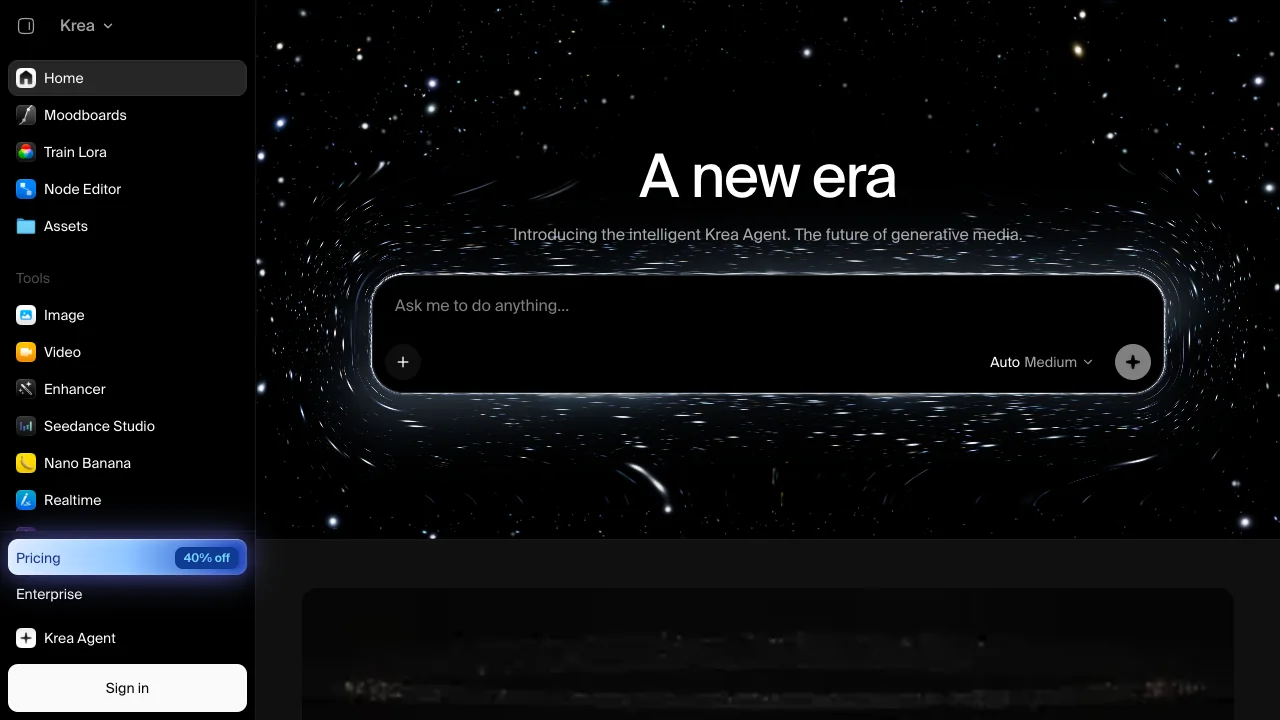
Krea is a visual exploration environment built around feedback speed. Instead of submitting a prompt and waiting passively, a designer can manipulate canvas inputs, references, and style direction while the image responds.
What it does well
Real-time feedback is useful for composition, lighting, and shape exploration. Enhancement can also rescue a low-resolution concept or prepare an approved asset for further work. The workspace brings several visual models and modes together, reducing tool switching during ideation.
Where it falls short
Fast variation can become undirected variation. Krea users on Reddit praise the immediacy but debate whether enhancement invents too much detail. Compare the export against the source at full resolution, especially for faces, products, architecture, and text.
Bottom line
Choose Krea when interactive steering is the creative advantage. Choose Midjourney for polished prompt-led exploration or Firefly when the result must continue through Adobe's production stack.
Sources & further reading


Appears in