
Tool
Notion AI Meeting Notes
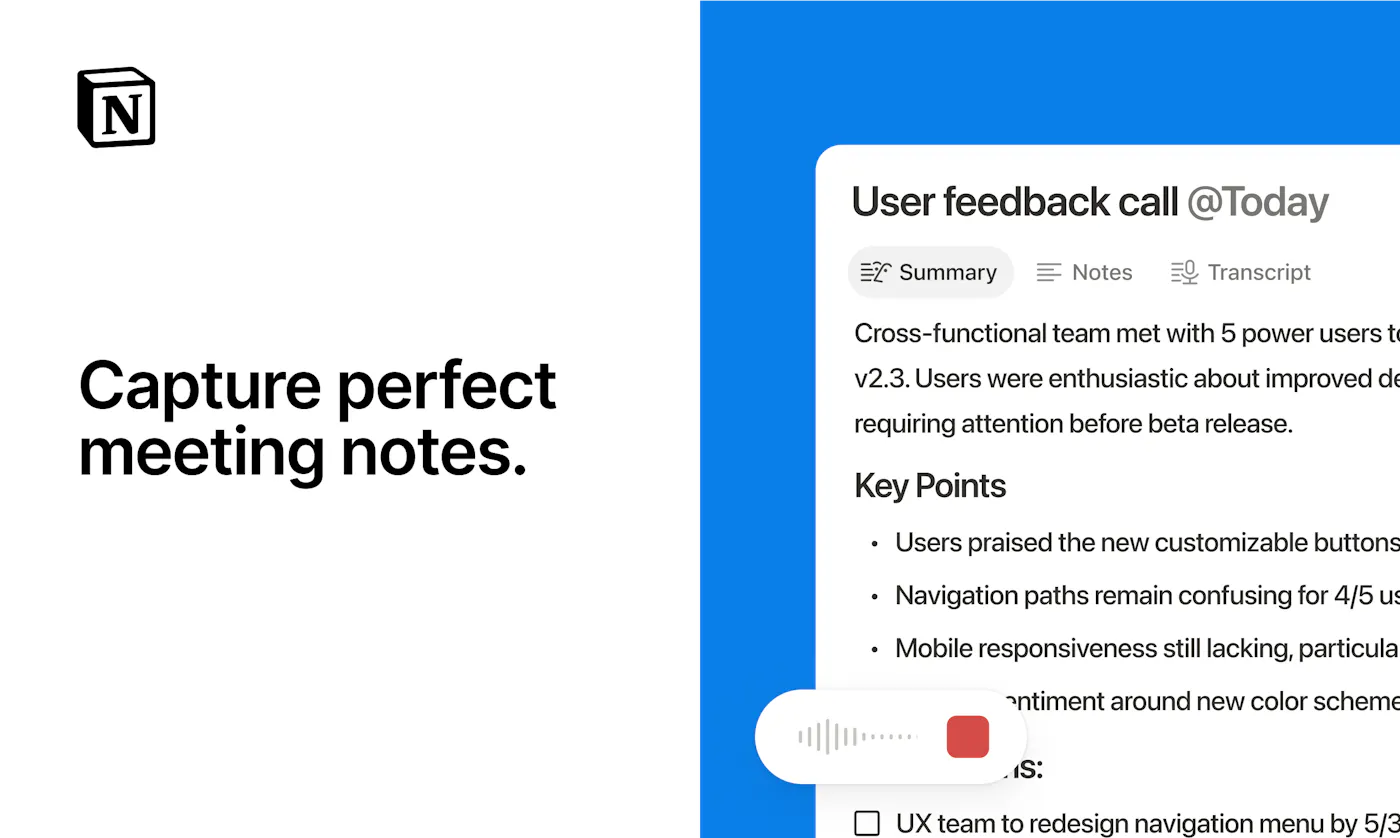
Bot-free transcription, summaries, key points, and action items created directly inside the workspace where a team already keeps its documents.
TL;DR
- Best for teams already running projects and documentation in Notion.
- Records without adding a bot and writes the result into a Notion page.
- Desktop capture uses system audio and microphone; browser capture is better suited to in-person audio.
- Requires an eligible Business or Enterprise plan.
- Weak choice if you do not already want Notion as the destination.
Notion AI Meeting Notes wins on destination, not specialized recording depth. The transcript, key points, and action items land in the same workspace as project documents, tasks, decisions, and team knowledge. That removes the export step that quietly kills many meeting-note workflows.
Decision snapshot
| Question | Answer |
|---|---|
| Does a bot join? | No |
| Best capture surface | Notion desktop app for video calls |
| Browser limitation | Microphone capture only, best for in-person conversations |
| Plan requirement | Business or Enterprise |
| Listed Business price | $20 per member per month |
What Notion does well
The note starts life as a page, so it can be linked to a project, shared with a team, searched with workspace knowledge, or turned into follow-up work. For a team already living in Notion, this is more valuable than a slightly better summary stranded in another app.
Capture is bot-free. On desktop, Notion uses system audio and microphone input to capture both sides of a video call. The browser version only hears the microphone, which makes it more appropriate for a conversation happening in the room.
Where it falls short
This is not a low-cost standalone recorder. Notion's help documentation says AI Meeting Notes requires a Business or Enterprise plan, and the Business plan is listed at $20 per member per month. Buying that only for transcription makes little sense.
It also lacks the narrow operational depth of sales-focused products. Avoma is more appropriate when call scoring, coaching, deal methodology, and structured CRM fields drive the purchase.
What users report
The most concise Reddit report came from u/Soft-Ingenuity2262: “Surprisingly notion works amazingly well.” Treat that as a prompt to test, not proof. In the same discussion, users repeatedly said AI notes still require validation, especially for speaker identity, nuance, and commitments.
Notion's advantage is measurable without trusting subjective praise. Time how long it takes a meeting decision to become linked, findable team context. If the answer is seconds instead of a copy-and-paste ritual, the integration is doing its job.
Bottom line
Choose Notion AI Meeting Notes when Notion is already your shared knowledge system. Choose Granola for a focused personal notepad, or a dedicated meeting platform when recording controls and conversation analytics matter more than native documentation.
Sources & further reading


Appears in