
Tool
Kling AI
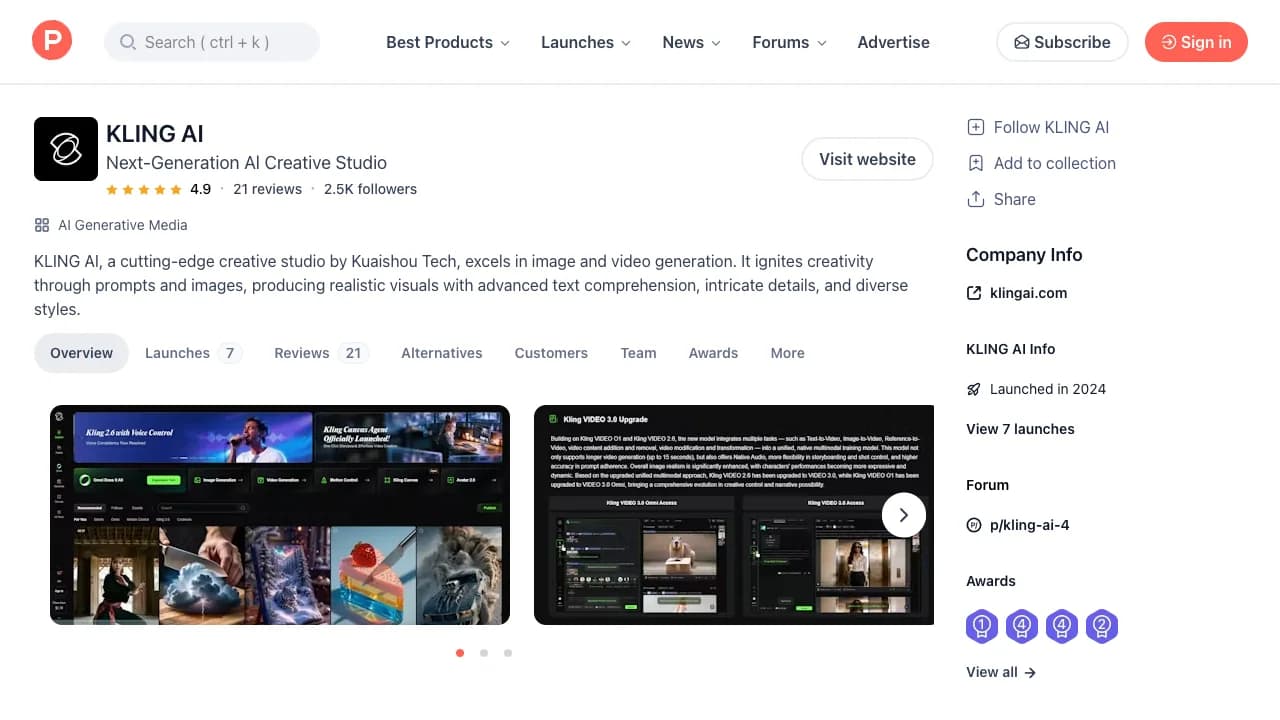
Generative video and image platform for text-to-video, image-to-video, motion control, elements, and longer visual sequences.
TL;DR
- Best for testing image-to-video motion, physical movement, and high-energy generative clips.
- Offers multiple models and controls, with usage metered through credits and priority.
- Strong samples do not remove the need for repeated generation and continuity work.
- Compare it on your own reference images; regional availability and plan details can change.
Kling AI is a generative video and image platform from Kuaishou. Its appeal is visual motion: creators use it for prompt-led clips, animating still frames, and comparing how different models handle camera moves, people, and physical action.
What Kling does well
Image-to-video makes it possible to begin from an approved composition, while motion controls and element references can narrow the result. For ads and concept work, it can create visually ambitious options quickly enough to test directions before committing to a conventional shoot or effects workflow.
Where it falls short
Model choice, mode, duration, and priority affect credit economics. Generations can still alter identity, product shape, clothing, or background details between frames. Reddit discussions include impressive examples alongside complaints about queue time and charged failures. Treat each accepted clip as the unit of cost.
Avoid using generated footage as evidence that a real product performs an action it cannot. Check rights and disclosure requirements before commercial use.
Bottom line
Choose Kling when motion quality on your references wins a direct bake-off. Keep Runway and Luma in the test because generative-video rankings change by shot type, not just by model release.
Sources & further reading



Appears in