Tool
Gemini
Google's general-purpose AI assistant for research, writing, multimodal work, media creation, and workflows connected to Google services.
TL;DR
- Best for people already working across Google products.
- Handles text, images, files, video, voice, research, and media generation.
- Connects with services such as Gmail, Drive, Calendar, Maps, and YouTube where available.
- Free access available; Google AI Plus starts at $9.99 per month in the US.
- Feature availability and data handling depend heavily on plan, region, and activity settings.
Gemini is Google's consumer AI assistant, not the Gemini API or one specific Gemini model. It combines Google Search grounding, multimodal analysis, media creation, and access to connected Google services across web, mobile, Chrome, and supported desktop experiences.
Decision snapshot
| Question | Answer |
|---|---|
| Primary interface | Multimodal chat connected to Google services |
| Best use | Research, document and media work, and Google-centered personal workflows |
| Custom assistants | Gems with reusable instructions |
| Starting paid price | $9.99 per month for Google AI Plus in the US |
| Main trade-off | Capabilities and privacy behavior vary with settings, region, and plan |
What Gemini does well
Gemini can work across text, images, documents, audio, and video. Deep Research builds longer reports from Google Search and selected sources, while Canvas provides a workspace for documents, code, and other generated output. Gems let users save repeated instructions instead of rebuilding the same prompt each time.
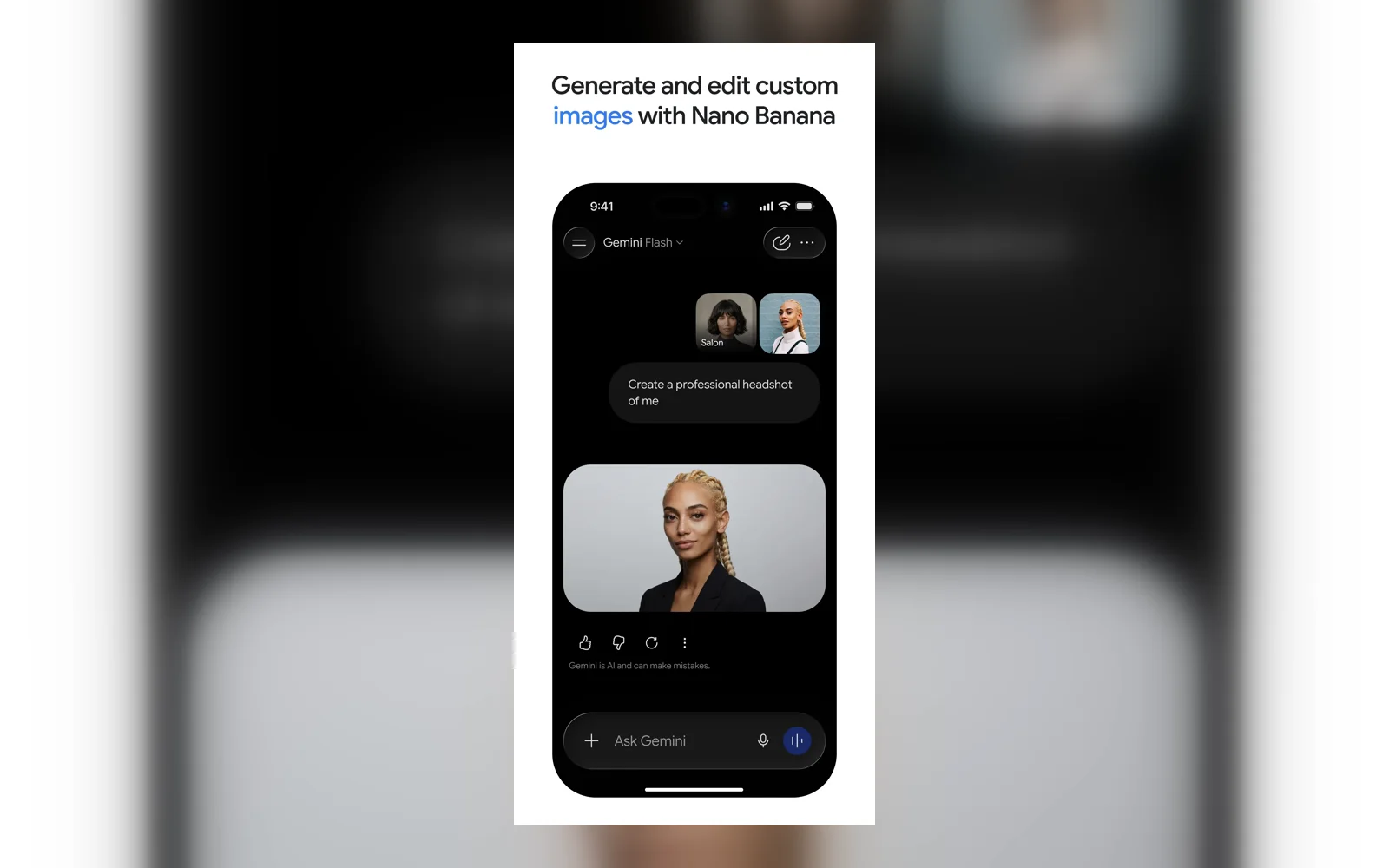
Its strongest product distinction is integration. Depending on account and region, Connected Apps can bring in context from Gmail, Drive, Calendar, Docs, Maps, YouTube, and other Google services. On Android, Gemini can also operate as the device assistant. Image and media generation make it useful when a project moves from research or writing into visual work.
Where it falls short
Google changes models, limits, and feature availability frequently. Some features differ by plan, age, language, account type, device, or country. A workflow that works in the web app may not be available in the same form on mobile or a work account.
Connected Apps also require a deliberate privacy choice. Google's privacy documentation says activity may be used to improve services, including generative AI models, when Keep Activity is on. Turning it off changes retention and can disable some integrations. Review those settings before connecting confidential personal data.
What users report
Product Hunt reviewer @npmitaart described a practical research use:
“I use Gemini by Google almost daily, especially for research and structuring the flow of my papers.”
The reviewer also said more detailed research can feel less stable and precise than GPT. That points to the right evaluation: test Gemini with the sources, citation depth, and output format your actual research requires.
Bottom line
Choose Gemini when Google integration and multimodal creation are central to your workflow. Choose another assistant when you need more predictable cross-platform behavior, simpler privacy boundaries, or consistently constrained long-form output.
Sources & further reading



Appears in